Introduction
Today I am launching gpuhelp.dev, a personal blog where I will write about rendering, GPU optimization, and profiling, mostly through small experiments and personal side projects. My idea is to write occasionally as I develop my engine.
Today is April 1st 1, so I decided to start the first article of my blog with an unique question:
Can we fill an image without shaders or explicit memory transfers just by recording commands on the CPU?
Details
At first glance, this seems trivial. Vulkan provides vkCmdClearColorImage [1]:
void vkCmdClearColorImage(
    VkCommandBuffer              commandBuffer,
    VkImage                      image,
    VkImageLayout                imageLayout,
    const VkClearColorValue*     pColor,
    uint32_t                     rangeCount,
    const VkImageSubresourceRange* pRanges);
However, this operates at subresource granularity (mip levels, array layers), not at the per-pixel level we need.
typedef struct VkImageSubresourceRange {
    VkImageAspectFlags    aspectMask;
    uint32_t              baseMipLevel;
    uint32_t              levelCount;
    uint32_t              baseArrayLayer;
    uint32_t              layerCount;
} VkImageSubresourceRange;
So the obvious alternative is vkCmdFillBuffer [2]:
void vkCmdFillBuffer(
    VkCommandBuffer commandBuffer,
    VkBuffer        dstBuffer,
    VkDeviceSize    dstOffset,
    VkDeviceSize    size,
    uint32_t        data);
This gives us byte-level control, but vkCmdFillBuffer works only for buffers, not images.
Aliasing an Image as a Buffer
The “solution” is to alias an image and a buffer to the same VkDeviceMemory.
Vulkan is a low-level API, so we manage memory explicitly:
- We can allocate a single
VkDeviceMemory. - Bind both a
VkBufferand aVkImageto it, respecting alignment and memory requirements. - Write through the buffer, and observe the results through the image.
Managing memory in Vulkan can be key for performance, that is why most developers learn to ignore it and use Vulkan Memory Allocator 2.
We have a small sample here: conceptually:
- Allocate memory large enough for both usages (Image and Buffer)
- Bind both resources to the same memory
- Use
vkCmdFillBufferto write data pixel by pixel - The memory is also interpreted as an image
Image Layout in Memory
Image memory layout is typically implementation-dependent. Even if we alias memory, we usually don’t know how pixels map to addresses.
However, Vulkan provides VK_IMAGE_TILING_LINEAR, which guarantees a predictable row-major layout we can query via vkGetImageSubresourceLayout [3].
Linear tiling is generally discouraged for performance reasons, VK_IMAGE_TILING_OPTIMAL allows a GPU to order images in an internal efficient format, but linear tiling is perfect for an April 1st experiment.
The Sample
To investigate this I have create a small sample [1] that works as follows:
- Allocate
VkDeviceMemory - Create a
VkBufferandVkImagebound to the same memory - Use
vkCmdFillBufferto write into the buffer - Copy the image to the swapchain using
vkCmdCopyImage - Present
No shaders. No staging buffers. Just CPU commands.
Optimizations
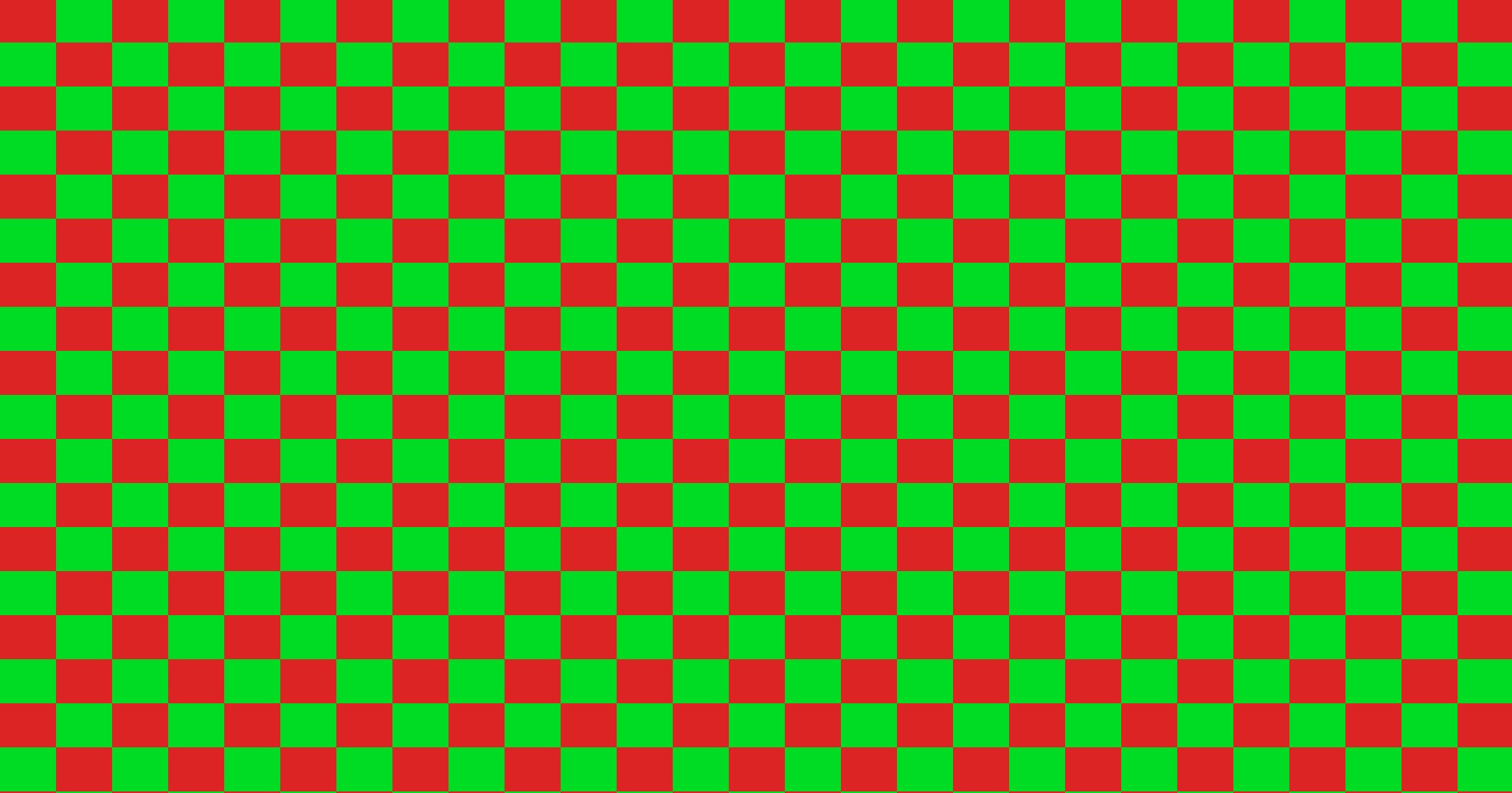
In this sample, the image changes every frame we have options to generate a gradient or checkerboard on the CPU interpolating some colors.
Initially, I computed every pixel on the CPU each frame. This was expensive, to the point the sample was unresponsive for large images, so I introduced a cache.
I decided to create a hash of the parameters need to create the image (is a gradient, colors to compute it, etc). The logical idea would be to use this hash to retrieve a CPU copy of these pixels. This seems too much memory so why not complicate things a bit and store the hash of the pixels of the image.
We cannot really do a lot with the cache of the pixels of the image, we will need the actual vkCmdFillBuffer commands. So the obvious solution is to introduce a second cache. That uses the hash of the pixels of the image to retrieve the vkCmdFillBuffer commands.
We added some small optimizations to group continuous pixels in a single vkCmdFillBuffer command. This is an option that could change at runtime, even if it does not in practice, so we decided to create a new hash to search the vkCmdFillBuffer data. This might allow reuse of the same entry for the unlikely case of an image that has non-contiguous pixels.
Storing the vkCmdFillBuffer does not look like a good idea. Vulkan allows us to precompute VkCommandBuffer. A feature that is useful on April 1s 3. The initial idea could be to just launch init all command buffers in an array, but this might be incorrect as the swapchain index does not increase continuously.
The solution is to create a hash using the vkCmdFillBuffer and the swapchain index. This allows us to have no CPU data except a command buffer.
In summary:
- We compute the hash of the parameters to create the image and use it to get the hash of the pixels of the image.
- We use this hash and a few other parameters to get the fill commands of the image
- We create a hash for the fill commands and combine it with swap-chain index to retrieve the command buffer
At this point, it became clear that I over engineered this, even for April 1st.
Performance Considerations
I did not profile this.
So I have no idea how bad it is.
Should Anyone Use This?
No.
Use a ReBar or staging buffers.
Why
Reason 1: A small, contained experiment
After attending Vulkanised 2026, I wanted to engage more with the ecosystem.
This was:
- Small in scope
- Time-bounded (April 1st)
- Not critical
Which made it perfect for experimentation. I think I will never start this blog without having this as my objective.
Reason 2: Experimenting with AI
I used AI tools to help implement parts of this sample. The experience was mixed, it initially claimed that aliasing buffers and images was not possible, it struggled with several Vulkan details and I had to correct and refine a lot of the generated code.
I spend a lot of time rewriting some parts of the sample, but I am still not happy.
Reason 3: April 1st
I enjoy reading unusual or humorous technical posts on April 1st. So I wrote one.
Conclusion
Happy to have launched my personal blog. I am not sure how frequently I will post, but I plan to continue exploring rendering techniques and GPU-related experiments in my free time, with topics a lot more serious than this one.